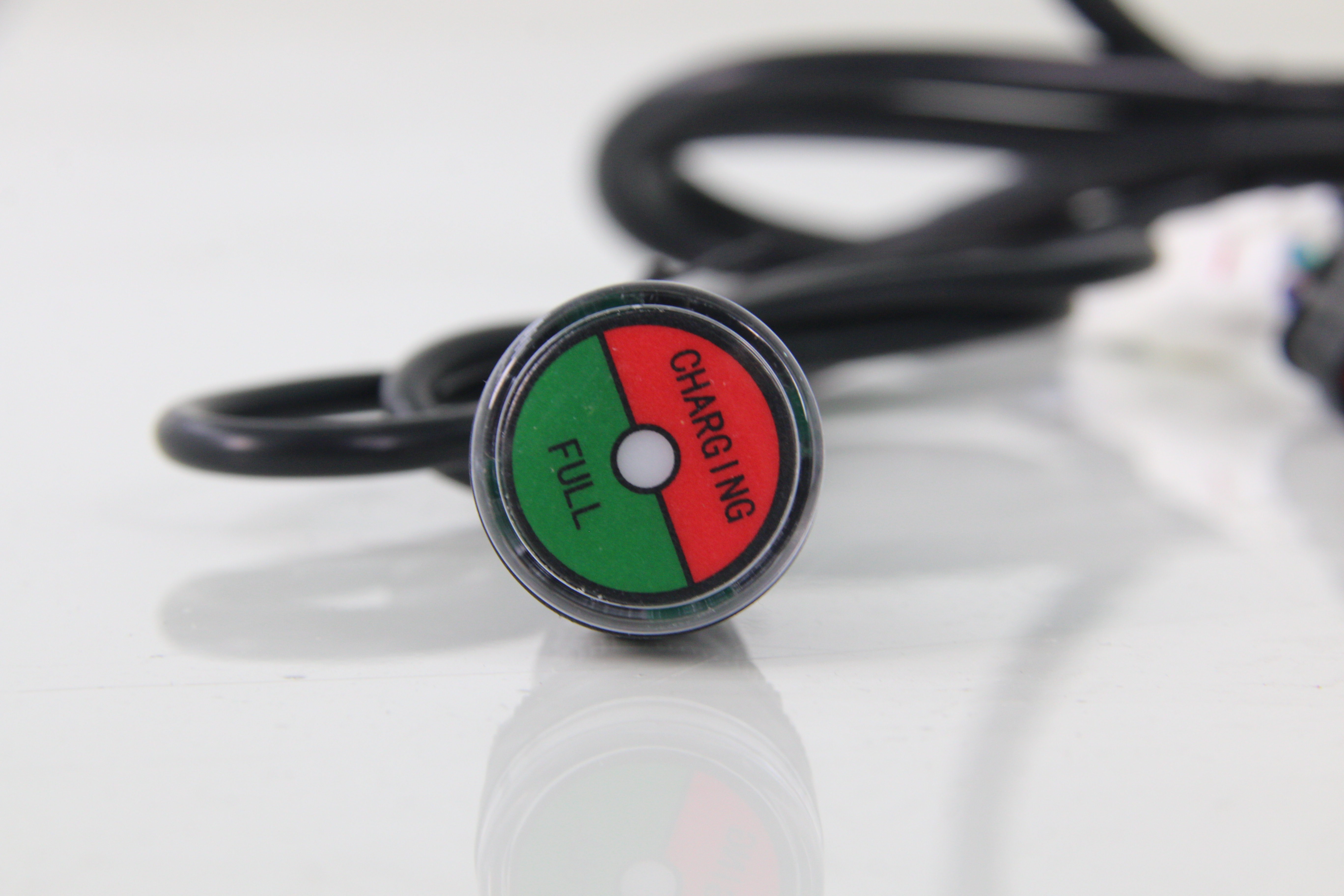
When you're out on the golf course, keeping track of your golf cart's battery status is crucial for an uninterrupted and enjoyable round. That's where the golf cart battery charge indicator comes in as your trusty companion. This small yet mighty device is designed to provide you with clear and immediate information about whether your cart's battery is currently charging or fully charged. With its intuitive color - coded display, it takes the guesswork out of managing your cart's power, allowing you to focus on your game without worrying about running out of juice in the middle of the course.
What features does it have?
Clear Indication: Distinctly shows charging and full - charge states via color - coded sections (red for charging, green for full), enabling quick and easy understanding of the battery status.
Universal Compatibility: Designed to fit most standard golf cart models, ensuring wide - spread usability across different makes and models.
Durable Build: Made with high - quality materials that can withstand the vibrations and outdoor conditions typical of golf courses, reducing the risk of damage during use.
What about its design?
Compact Size: Its small and unobtrusive design allows for easy installation in various locations on the golf cart, such as the dashboard or near the charging port, without taking up much space.
Water - Resistant: Equipped with a water - resistant shell to protect against light rain and splashes, ensuring reliable operation in different weather conditions on the course.
Illuminated Display: Some models may have an illuminated display for better visibility, especially in low - light environments like early morning or late - evening golf rounds.
How to maintain it?
Regular Cleaning: Wipe the surface of the indicator with a dry or slightly damp cloth regularly to remove dust, dirt, and any debris that may affect visibility.
Check for Loose Connections: Periodically inspect the wiring connections to ensure they are secure. Loose connections can lead to inaccurate readings or non - functioning of the indicator.
Replace as Needed: If the indicator shows signs of malfunction, such as incorrect color display or no display at all, replace it promptly with a new one to maintain accurate battery status monitoring.